NOVEMBER 20, 2026

Major Features
Vendor Workspaces – bring your cleaners and contractors into Conduit
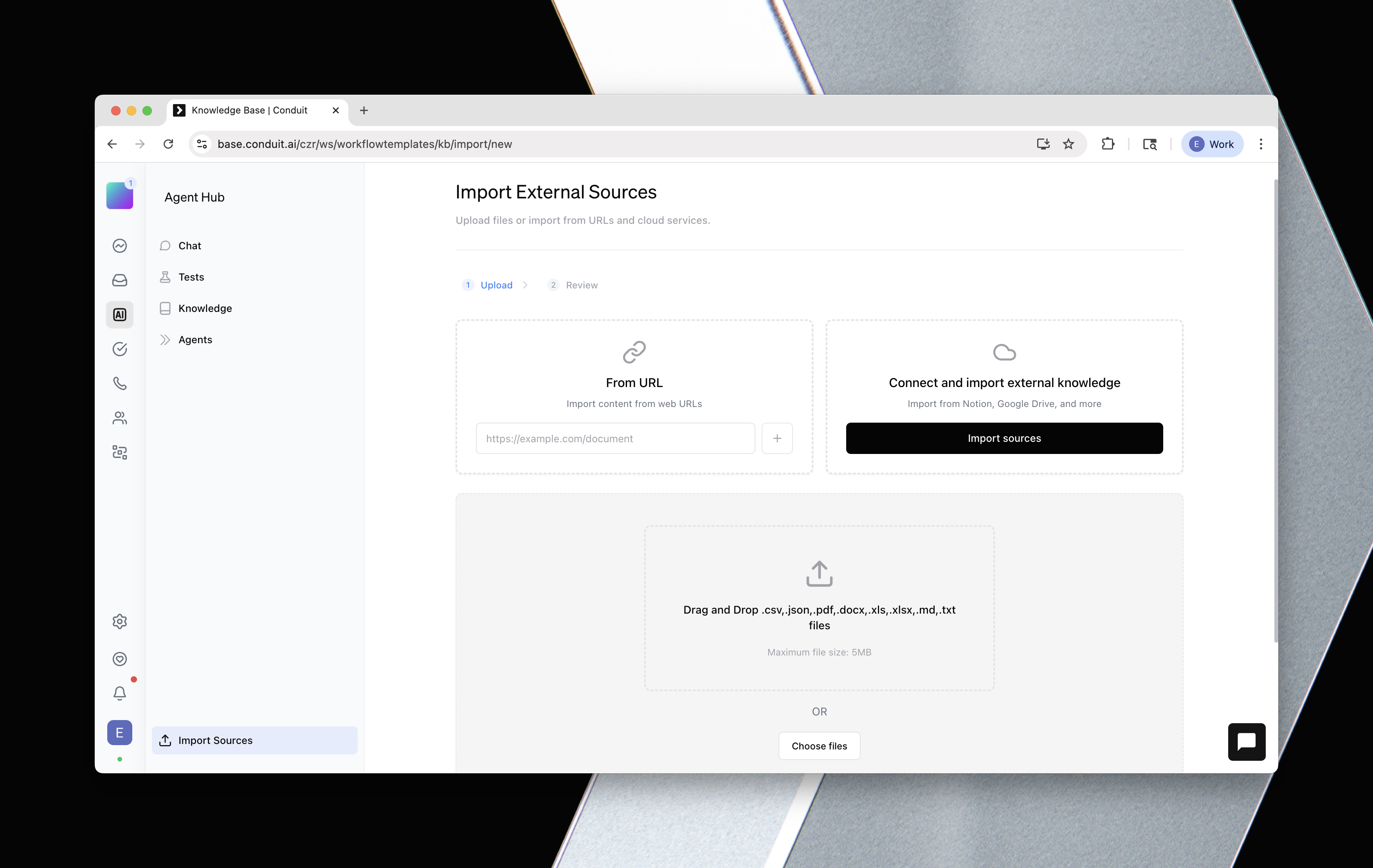
You can now invite the vendors who do your turnovers, maintenance, and inspections into their own Conduit workspace and assign tasks straight to them. Vendors see only the work you share, do it in their own space, and their activity is credited back to your workspace automatically. Add a vendor from Settings, pick them in any task assignee picker, and send vendor-copy issue reports back to your team's triage.
Find it under Settings → Members → Vendors, then assign vendors from Operations → Tasks.
Reservation charges in guest portals
Operators can now add reservation charges to a guest's portal and collect them directly, alongside verification and signed agreements. Guests see the charge, pay through the portal, and the receipt is saved to the conversation.
Find it in the Inbox under a guest's Portal panel.
Enhanced Capabilities
Multi-signer agreements and property-owner signing
Portal agreements can now require more than one signer, and a property owner can be set as a signer source. Co-signers each get their own signing link, so agreements that need two signatures no longer have to be worked around.
Find it under Portals → Verification.
Door codes in automated messages and scoped to subunits
Door codes can now be scoped to individual subunits, and workflow messages resolve both static and mapped door codes so guests get the exact code for their unit at the right time.
Find it under Devices, or a property's Access control section.
Guest reviews and ratings in context
A guest's past reviews, rating trends, and profile notes now surface right in the contact panel, the reservation panel, and the inbox sidebar, so you can see a guest's history before you reply. Contacts also gained a Reservations tab listing every stay for that guest.
Find it on a contact's Reviews and Reservations tabs.
Per-property payment methods for tasks
Each property can now carry its own payment method for task payments and Autopay, so charges for work land on the right card without per-task setup.
Find it under a property's settings, or Operations → Payments.
Signed documents now render Arabic, Hebrew, and CJK text
Signed PDFs now display Arabic, Hebrew, Chinese, Japanese, and Korean characters correctly, so agreements and receipts read properly for guests in those languages.
Applies to signed documents sent from guest portals.
Per-option caller ID for phone menus
Each phone-menu option can now use its own caller ID when it dials an outside number, so transfers and forwards show the number a caller expects.
Find it under Settings → Channels → Phone → Menu.
More ways to see and sort your work
- Sort reservations by guest name or listing on the Reservations page, not just by date.
- Choose which custom-field sections show in the inbox, under Settings → Inbox → Custom fields.
- Send signed documents and receipts straight from the portal links picker in the inbox composer.
- Ask the AI assistant to find listings by party size ("somewhere that sleeps six"), not just by date.
Performance & Quality Improvements
- Call forwarding schedules now apply to every number in a call group, so after-hours forwarding behaves consistently across grouped numbers.
Mobile App
These shipped in the Conduit iOS and Android app this week. All of them update over the air, so you do not need to wait for a store release.
Voice dictation
You can now dictate instead of type. Tap the mic in any message composer, task note, or text field and your speech turns into text live, with a waveform while you talk.
Find it in the mobile app on the mic button in any composer or text field.
Faster task work in the field
- Assign a task to several people at once, shown as stacked avatars on the task.
- Conditional checklist steps now follow the same branching on mobile as on the web.
- Filter tasks by more than one value at a time (multiple statuses, assignees, and so on).
- The requirements sheet opens automatically when you start a task, so you see what's needed up front.
- Property team information now shows on the task, resolved from the task's listing.
- Videos count as evidence for checklist items that require a photo.
- A camera shortcut now sits on checklist media buttons for faster capture.
Designed, Built, and Written By

Will Garman
Full Stack Engineer

Cristian
Engineer

Bohdan
Engineer

Yash
Engineer

Punn Kam
Co-Founder